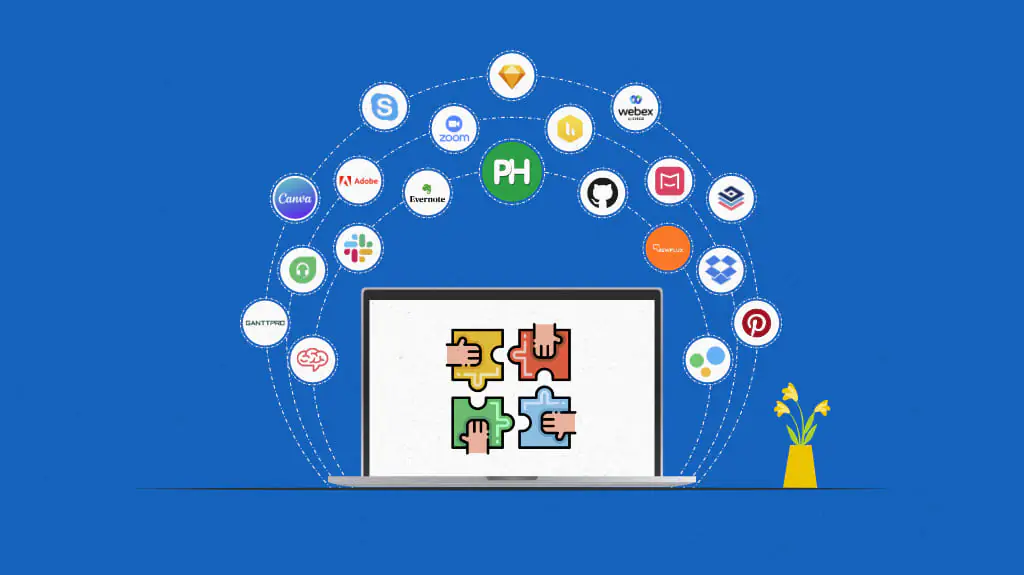

The modern workplace has undergone a permanent structural reorganization. The concept of an office is no longer defined by a physical coordinate or a shared corporate building; instead, it exists as a decentralized network of hybrid and fully remote teams distributed across various time zones. While this shift has unlocked unprecedented geographic flexibility and expanded talent acquisition boundaries, it has simultaneously introduced profound operational complexities. The primary challenge for contemporary organizational leaders is no longer just managing physical infrastructure, but maintaining team cohesion, alignment, and operational velocity in a virtual ecosystem.
To bridge this geographical and cognitive divide, enterprises are relying heavily on smart technology tools. Far from being simple utility software or basic messaging applications, modern collaboration platforms utilize cloud architecture, predictive automation, and intuitive design to create an integrated digital workspace. When deployed strategically, these tools eliminate communication silos, streamline project management, safeguard intellectual property, and foster a unified corporate culture. Understanding how to build a highly collaborative workforce requires analyzing the distinct categories of smart tools that drive modern business execution.
Centralized Project Management Systems
The absolute core of any collaborative endeavor is the structured management of tasks, deadlines, and operational resources. Without a centralized, visible record of project lifecycles, teams quickly fall into chaos, resulting in duplicated efforts, missed milestones, and extreme administrative confusion.
The Power of Visual Asynchronous Workflows
Contemporary project management systems move away from static spreadsheets and endless internal email threads. Instead, they leverage dynamic visual frameworks, such as Kanban boards, Gantt charts, and interactive timelines.
These visual layouts allow every team member, regardless of their physical location, to instantly comprehend the current macro status of an initiative, identify precise task dependencies, and track individual accountabilities. By making project data transparently accessible, these platforms enable seamless asynchronous collaboration. Team members can contribute to a project during their localized working hours without requiring real-time meetings, drastically reducing organizational friction and mental fatigue.
Smart Automation and Task Orchestration
What transforms a standard task tracker into a smart collaborative platform is the integration of native workflow automation. Modern systems can be configured to execute multi-step operations automatically based on user-defined triggers.
For instance, when a product designer completes a creative asset and marks a task as done, the platform can instantly update the project status, reassign the task to a compliance auditor, attach the relevant style guidelines, and send a notification to the client relationship manager. This continuous automation strips away the manual administrative overhead that typically bogs down creative and analytical teams, allowing professionals to focus their energy entirely on high-value execution.
Immersive Communication and Knowledge Management Networks
Clear, context-rich communication is the lifeblood of a cohesive team. However, as organizations scale, valuable information frequently becomes trapped inside isolated direct messages, lost emails, or unrecorded video conferences. Smart communication networks solve this problem by blending real-time interactions with persistent knowledge preservation.
Structured Real-Time and Asynchronous Communication
Leading corporate communication tools organize conversations into dedicated, topical channels rather than chaotic, unified inboxes. This structural segmentation allows teams to isolate discussions by specific client accounts, operational departments, or ongoing product iterations.
Furthermore, these platforms support nested threading, ensuring that detailed technical troubleshooting or strategic brainstorming can occur within a specific context without disrupting the broader channel flow. This design respects the attention spans of team members, allowing individuals to mute non-essential topics and dive deep into areas requiring their immediate expertise.
Institutional Knowledge Bases and Wikis
A team cannot collaborate effectively if it is constantly searching for lost documentation, outdated standard operating procedures, or missing brand guidelines. Smart collaboration ecosystems incorporate unified knowledge management portals that function as the single source of truth for the entire organization.
These internal wikis feature collaborative real-time editing, version control history, and advanced semantic search capabilities. When a team updates a regulatory compliance manual or an internal software deployment guide, the change is instantly propagated across the entire enterprise network. This immediate synchronization prevents the costly errors that occur when different departments operate based on conflicting or obsolete information.
Interactive Cloud Co-Creation Environments
True collaboration requires more than just talking about work; it requires working together simultaneously on the same creative and analytical canvases. Cloud co-creation tools have eliminated the old, highly frustrating practice of emailing file attachments back and forth with confusing file naming conventions.
Dynamic Real-Time Document and Data Authoring
Modern document processors, presentation suites, and data modeling tools operate completely within the cloud, supporting simultaneous multi-user authorization. Multiple individuals can manipulate data, refine prose, or design interfaces inside the identical document in real time, with changes appearing instantly across all connected screens.
These platforms feature context-specific inline commenting, granular user access permissions, and automated revision histories that allow authors to roll back a file to any precise millisecond in time. This uncompressed co-creation environment compresses development cycles, as teams can host live brainstorming sessions where an asset is conceptualized, reviewed, and finalized in a single setting.
Visual Brainstorming and Digital Whiteboarding
For cross-functional teams tasked with complex system mapping, product design, or strategic planning, text-based documentation can occasionally be too restrictive. Digital whiteboarding tools solve this limitation by offering an infinite, non-linear visual canvas.
These smart tools allow distributed participants to sketch diagrams, deploy virtual sticky notes, organize mind maps, and cast real-time votes on strategic options during video conferences. This tactile, visual interaction mimics the organic energy of a physical conference room brainstorming session, ensuring that creative momentum is preserved across distant hybrid workforces.
Architectural Guidelines for Implementing Collaborative Tech Stacks
Successfully scaling a collaborative technology infrastructure requires deliberate governance, technological integration, and a clear understanding of human behavior.
-
Prioritize Seamless Native Integrations: A fragmented tech stack where data cannot flow freely between the project tracker, the communication app, and the cloud storage network introduces massive operational friction. Organizations must select tools that feature robust, pre-built application programming interfaces to ensure total systemic synchronization.
-
Establish Draconian Data Security and Governance: Centralizing corporate communication and intellectual property on cloud networks expands the enterprise vulnerability surface. IT leadership must mandate enterprise-grade security protocols, including single sign-on authentication, multi-factor verification, end-to-end data encryption, and precise mobile device management permissions.
-
Construct Explicit Communication Playbooks: Technology tools are only as effective as the human behaviors that drive them. Organizations must establish clear guidelines defining which channels should be used for urgent escalations, what constitutes acceptable response times for asynchronous queries, and when a message should transition from text into a live video call to prevent burnout and boundary erosion.
Frequently Asked Questions
What constitutes the primary difference between synchronous and asynchronous collaboration?
Synchronous collaboration occurs in real time, requiring all participants to be present simultaneously, such as during live video conferences, phone calls, or instant message chats. Asynchronous collaboration occurs across different time intervals, allowing team members to consume information, review documents, and provide feedback at their own convenience without requiring immediate, live alignment. A healthy hybrid workforce must carefully balance both modalities to prevent meeting fatigue.
How can a business prevent technology fatigue and tool overload among its workforce?
Tool overload can be mitigated by conducting a comprehensive audit of the company tech stack and systematically consolidating redundant software platforms. Leadership should aim to establish a unified, multi-functional ecosystem where team members do not have to continuously switch between disparate apps to complete a single task. Additionally, enforcing clear structural boundaries, such as setting automated do-not-disturb hours, helps protect employee well-being.
Why do digital whiteboarding tools hold immense value for cross-functional engineering teams?
Digital whiteboards allow engineering teams to visually map out highly complex system architectures, software data dependencies, and user experience flows in a non-linear space. This visual clarity eliminates the misunderstandings that frequently occur when technical concepts are described purely through text-based specifications or standard bullet points, ensuring total alignment across product managers, developers, and QA testers.
How do smart collaboration tools assist in the onboarding process for new hybrid employees?
Smart collaboration platforms accelerate onboarding by providing new hires with immediate, structured access to historical project contexts, past chat threads, and centralized institutional knowledge portals. Instead of relying on a physical mentor to manually explain every internal process, a new employee can utilize semantic search tools to locate verified training modules, organizational chart structures, and operational wikis independently.
What strategies can a manager deploy to maintain team cohesion among a highly distributed workforce?
Managers can foster cohesion by deliberately creating digital spaces for non-transactional human interactions, such as virtual breakrooms or casual interest channels. Additionally, implementing structured check-ins that focus on individual well-being rather than just project updates ensures that distributed employees feel valued, seen, and connected to the broader corporate mission, reducing the sense of isolation.
How does contextual text search improve the daily operational efficiency of a enterprise?
Contextual text search allows an employee to enter a specific keyword and instantly query data across all integrated project boards, communication channels, cloud documents, and email records simultaneously. This eliminates hours of manual searching through unorganized file directories, allowing professionals to retrieve critical data instantly, make rapid informed decisions, and preserve valuable cognitive energy for their core tasks.